Components
Components are the building blocks of Orrery diagrams. In component diagrams they represent system parts; in sequence diagrams they represent participants.
Declaring components
name: Type;
name as "Display Name": Type;
name: Type [attributes];
The name is an identifier used to reference the component elsewhere — in relations, activation blocks, note targets, and more. It must start with a letter and can contain letters, digits, and underscores. By convention, names use snake_case.
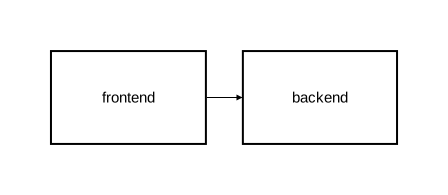
diagram component;

frontend: Rectangle;
backend: Rectangle;
frontend -> backend;
Display names
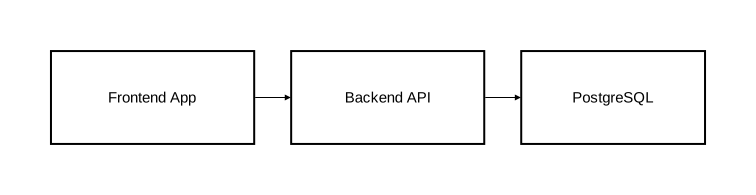
By default, the component name is used as the visible label. Use as "..." to set a different label:
diagram component;

fe as "Frontend App": Rectangle;
be as "Backend API": Rectangle;
db as "PostgreSQL": Rectangle;

fe -> be;
be -> db;
Shape types
Orrery provides eight built-in shape types, divided into two categories.
Content-supporting shapes
These shapes can contain nested elements and embedded diagrams inside them:
| Shape | Description |
|---|---|
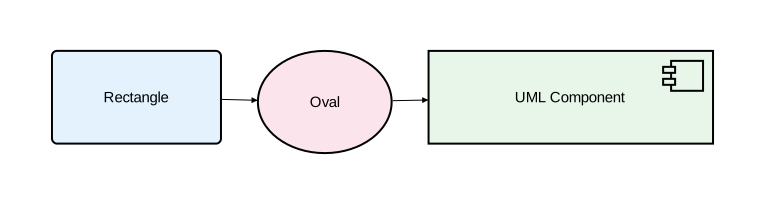
Rectangle | Rectangular box — the most common shape |
Oval | Elliptical shape |
Component | UML component icon with stereotype tabs |
diagram component;

rect as "Rectangle": Rectangle [fill_color="#e3f2fd", rounded=5];
oval as "Oval": Oval [fill_color="#fce4ec"];
comp as "UML Component": Component [fill_color="#e8f5e9"];

rect -> oval;
oval -> comp;
Content-free shapes
These shapes cannot contain nested elements. Their label appears below the shape.
| Shape | Description |
|---|---|
Actor | A user or external agent |
Entity | A data entity |
Control | Control logic |
Interface | An interface |
Boundary | A system boundary |
diagram component;

customer as "Customer": Actor;
account as "Account": Entity;
auth_logic as "Auth Logic": Control;
rest_api as "REST API": Interface;
external as "External System": Boundary;

customer -> rest_api: "Request";
rest_api -> auth_logic: "Authenticate";
auth_logic -> account: "Validate";
account -> external: "Sync";

Attempting to nest elements inside a content-free shape produces an error.
Component attributes
| Attribute | Type | Description |
|---|---|---|
fill_color | color | Background color |
rounded | float | Corner radius for rectangles |
stroke | Stroke | Border styling |
text | Text | Text styling |
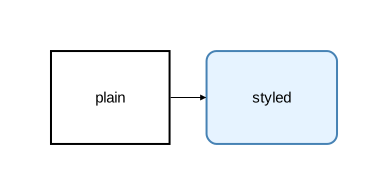
diagram component;

plain: Rectangle;
styled: Rectangle [fill_color="#e6f3ff", rounded=10, stroke=[color="steelblue", width=2.0]];
plain -> styled;
Custom types
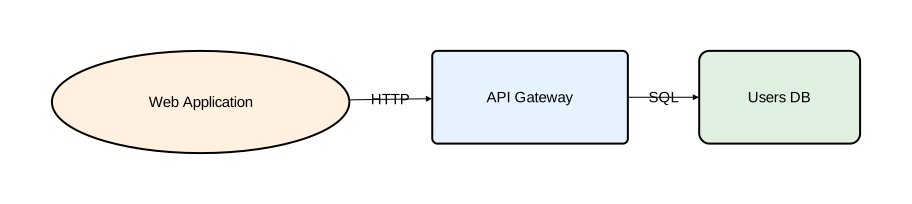
Define reusable types to avoid repeating attributes:
diagram component;

type Service = Rectangle [fill_color="#e6f3ff", rounded=5];
type Database = Rectangle [fill_color="#e0f0e0", rounded=10];
type Client = Oval [fill_color="#fff0e0"];

web_app as "Web Application": Client;
api as "API Gateway": Service;
db as "Users DB": Database;

web_app -> api: "HTTP";
api -> db: "SQL";
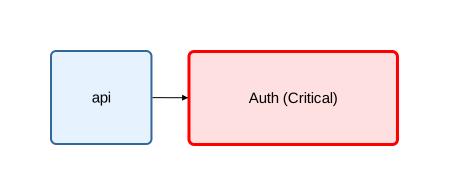
Types can extend other types. Later attributes override earlier ones:
diagram component;

type Service = Rectangle [fill_color="#e6f3ff", rounded=5, stroke=[color="#336699"]];
type CriticalService = Service [fill_color="#ffe0e0", stroke=[color="red", width=3.0]];

api: Service;
auth as "Auth (Critical)": CriticalService;
api -> auth;
For the full type system, see Type System.
Nesting
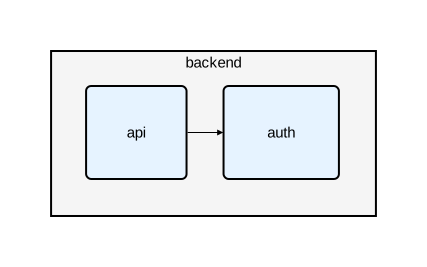
Content-supporting shapes can contain other components, creating a hierarchy:
diagram component;

type Service = Rectangle [fill_color="#e6f3ff", rounded=5];

backend: Rectangle [fill_color="#f5f5f5"] {
    api: Service;
    auth: Service;
    api -> auth;
};
Multi-level nesting
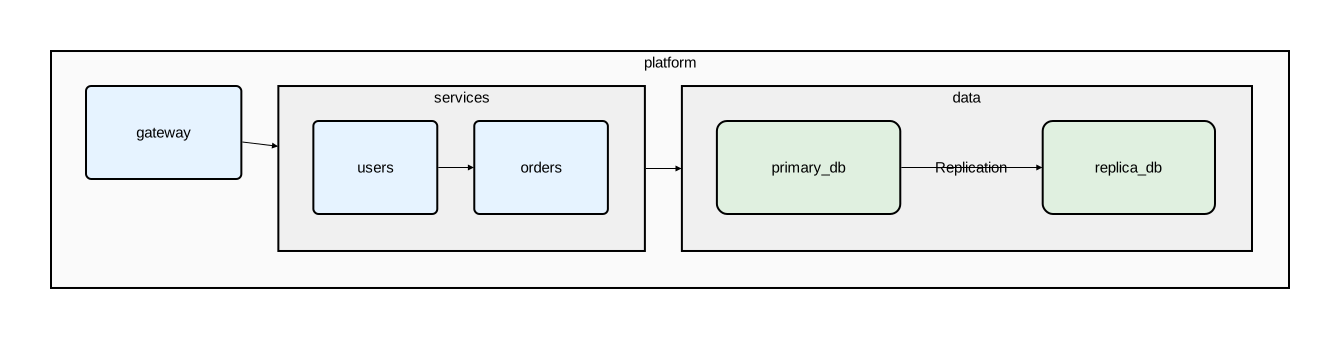
Nesting can go multiple levels deep:
diagram component;

type Service = Rectangle [fill_color="#e6f3ff", rounded=5];
type Database = Rectangle [fill_color="#e0f0e0", rounded=10];

platform: Rectangle [fill_color="#fafafa"] {
    gateway: Service;

    services: Rectangle [fill_color="#f0f0f0"] {
        users: Service;
        orders: Service;
        users -> orders;
    };

    data: Rectangle [fill_color="#f0f0f0"] {
        primary_db: Database;
        replica_db: Database;
        primary_db -> replica_db: "Replication";
    };

    gateway -> services;
    services -> data;
};
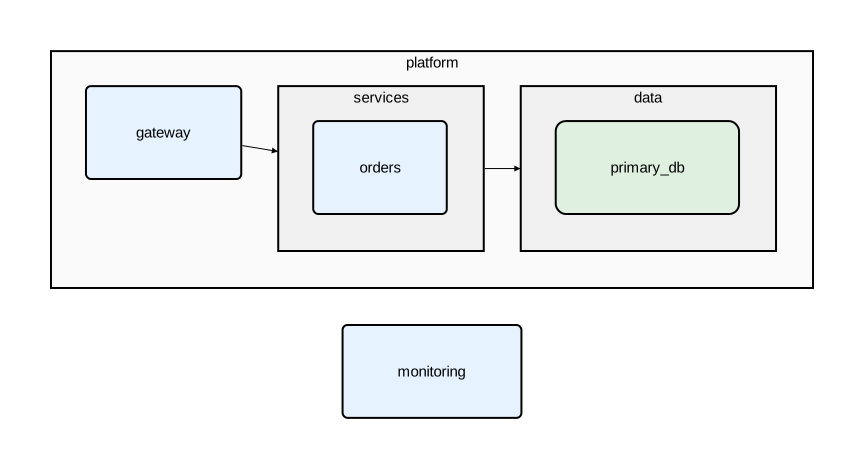
Cross-level relations
Use :: to reference nested components from outside their parent:
diagram component;

type Service = Rectangle [fill_color="#e6f3ff", rounded=5];
type Database = Rectangle [fill_color="#e0f0e0", rounded=10];

platform: Rectangle [fill_color="#fafafa"] {
    gateway: Service;
    services: Rectangle [fill_color="#f0f0f0"] {
        orders: Service;
    };
    data: Rectangle [fill_color="#f0f0f0"] {
        primary_db: Database;
    };
    gateway -> services;
    services -> data;
};

// Top-level to nested
monitoring: Service;
monitoring -> platform::gateway;
monitoring -> platform::data::primary_db;

// Nested to top-level
platform::services::orders -> monitoring: "Metrics";

// Across nesting boundaries
platform::gateway -> platform::data::primary_db;
Naming conventions
| Element | Convention | Examples |
|---|---|---|
| Component names | snake_case | user_service, primary_db |
| Type names | CamelCase | Database, ApiGateway |
| Display names | Free-form string | "Auth Service", "PostgreSQL" |
Names are case-sensitive. They must start with a letter and can contain letters, digits, and underscores.